

What You Need Before You Start
First things first – make sure your setup can actually handle it. The Forest isn’t a lightweight game, and VR mode adds a bit more stress to your PC. You’ll also want to double-check that your VR headset and controllers are properly configured through SteamVR before launching.
| Hardware / Software | Minimum Requirement | Recommended |
|---|---|---|
| Headset | Oculus Rift, HTC Vive, Valve Index | Valve Index or Meta Quest 3 via Link |
| GPU | NVIDIA GTX 970 or AMD R9 290 | RTX 2060 or better |
| CPU | Intel i5-4460 / AMD FX-6300 | Intel i7 / Ryzen 5 or newer |
| RAM | 8 GB | 16 GB |
| VR Platform | SteamVR | SteamVR + OpenXR for smoother motion |
If your specs check out, you’re good to go. But before you jump in, here’s what most players don’t tell you – the VR version of The Forest feels a bit rough around the edges. It’s functional, creepy as hell, and surprisingly fun, but you’ll want to tweak some settings before you really enjoy it.
Setting It Up
Open Steam, right-click The Forest, and hit “Play in VR.” Don’t choose the regular version or it’ll just boot in flat mode. Once you’re in, you’ll see the forest (literally), but before you start chopping trees, go to “Options” and make sure your controls are right.
The VR controls use motion tracking, so you’ll swing your arms to attack, bend to pick things up, and physically aim your bow. It’s cool – but also tiring. You might want to adjust the movement type to something you’re comfortable with.
| Setting | What It Does | Recommended Option |
|---|---|---|
| Movement | Switch between teleport and smooth locomotion. | Start with teleport; switch to smooth once comfortable. |
| Turning | Snap or smooth turning with your controller. | Snap (15° or 30°) – easier on motion sickness. |
| Hand Mode | Right or left-handed control layout. | Pick what feels natural – you’ll swing a lot. |
| Comfort Mode | Adds vignetting during motion. | Keep it on at first; you can disable it later. |
First Impressions – What to Expect
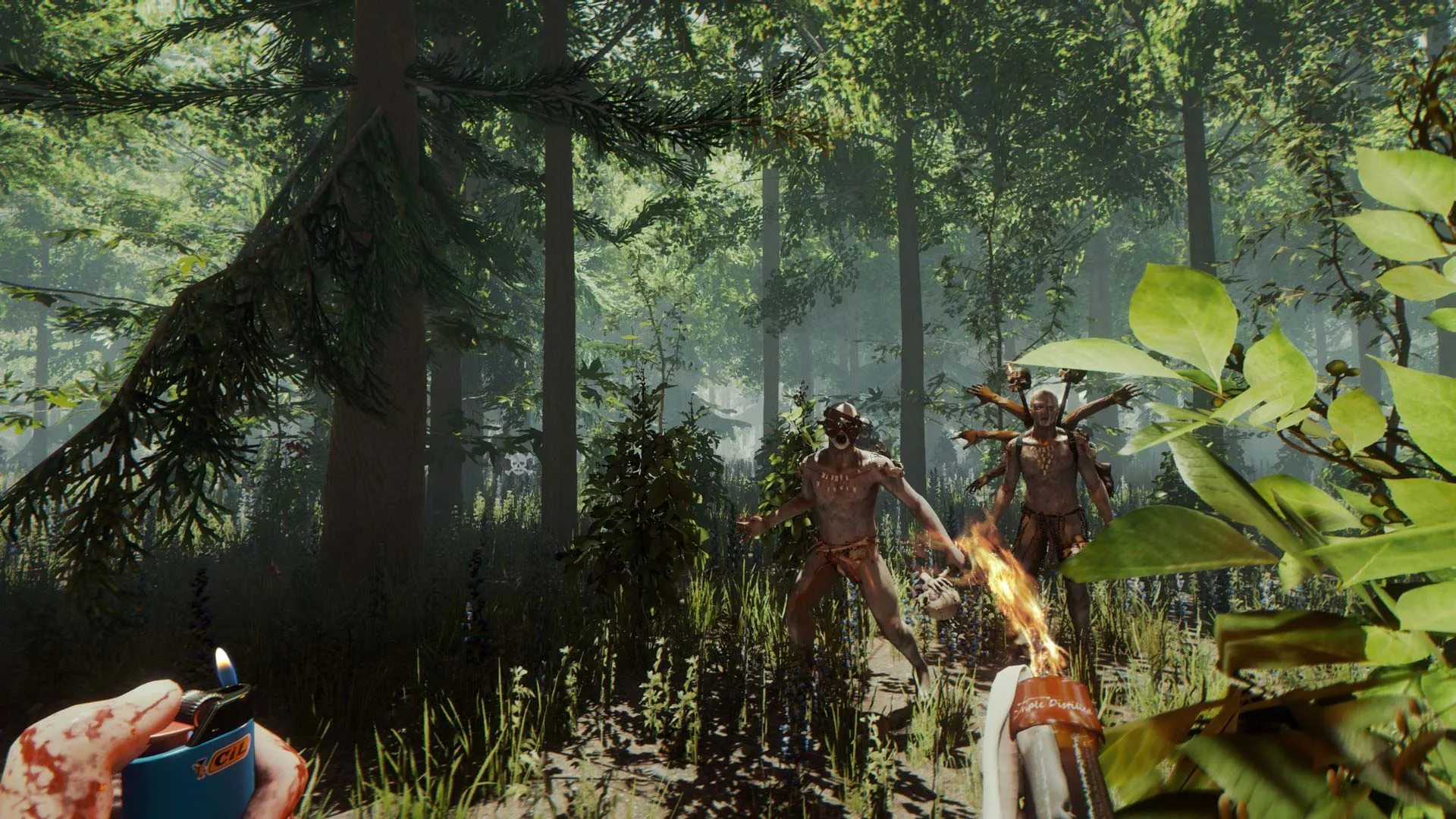
When you start your first run, you’ll notice how different everything feels in VR. The plane crash scene hits harder. You can actually look around the wreckage, see blood on your hands, and feel the panic when you grab that first axe. It’s weirdly immersive – even though the game’s not perfect, the tension works great in VR.
Combat feels physical. You’ll actually swing your arms to hit cannibals, block attacks, and aim carefully. But it’s also exhausting – fighting in VR takes real effort, so you’ll probably get tired faster than you expect. You’ll also need to get used to how climbing, inventory, and crafting work. It’s all motion-based, which is fun once your brain catches up.
Tips From Real Players
I’ve played The Forest both flat and in VR, and here’s what I wish I knew before I started:
- Give your stomach time. Even if you think you don’t get motion sick, The Forest will test you. Start with short sessions.
- Use teleport movement at first. Smooth motion looks cooler but can make you dizzy until you get used to it.
- Keep track of your hands. It’s easy to drop items or miss crafting because your virtual hands didn’t align with real ones.
- Save often. Crashes happen. It’s part of the charm (and frustration).
- Play seated if needed. There’s no shame in it. The game doesn’t require full room-scale movement.
One thing you’ll love – building in VR feels amazing. Cutting trees, placing walls, and crafting shelters feel way more satisfying when you’re physically doing it. You actually “grab” logs and swing tools like in real life. It’s chaotic but fun.
Multiplayer in VR
Yes, you can play multiplayer in VR. You can even join players who aren’t in VR mode. Just remember that communication and coordination are key – you’ll be physically turning and moving while they just spin their mouse. Expect some funny moments where your VR gestures look like chaos to them.
When it works, though, it’s great. You’ll laugh a lot, especially when everyone’s trying to fight off mutants while half the group is waving their arms like they’re at a concert.
Performance and Bugs
Let’s be real – VR in The Forest isn’t perfect. The framerate can dip, some animations are janky, and the inventory system is occasionally awkward. But it’s still playable, and with a good setup, it’s a solid survival experience. Just don’t expect it to be as polished as newer VR titles like Green Hell VR or Sons of the Forest.
Also, if you’re using mods, note that not all of them work in VR. Some crash the game, others don’t load right. If you mod, test one at a time.
Final Thoughts
If you’ve ever wanted to feel what it’s like to truly survive in a creepy forest – not just press buttons, but actually move, swing, and build – this is it. Learning how to play The Forest in VR takes patience, but once you get comfortable, it’s one of the best survival experiences you can have in VR right now.
So yeah, it’s a little janky. But it’s also hilarious, tense, and strangely addictive. Once you’ve built your first treehouse or fought off a horde of mutants with real swings, you’ll get why people keep coming back. Just take breaks, drink water, and maybe stretch your arms afterward – you’ll need them.