
Finding and Installing Golden Sun ROM the Right Way
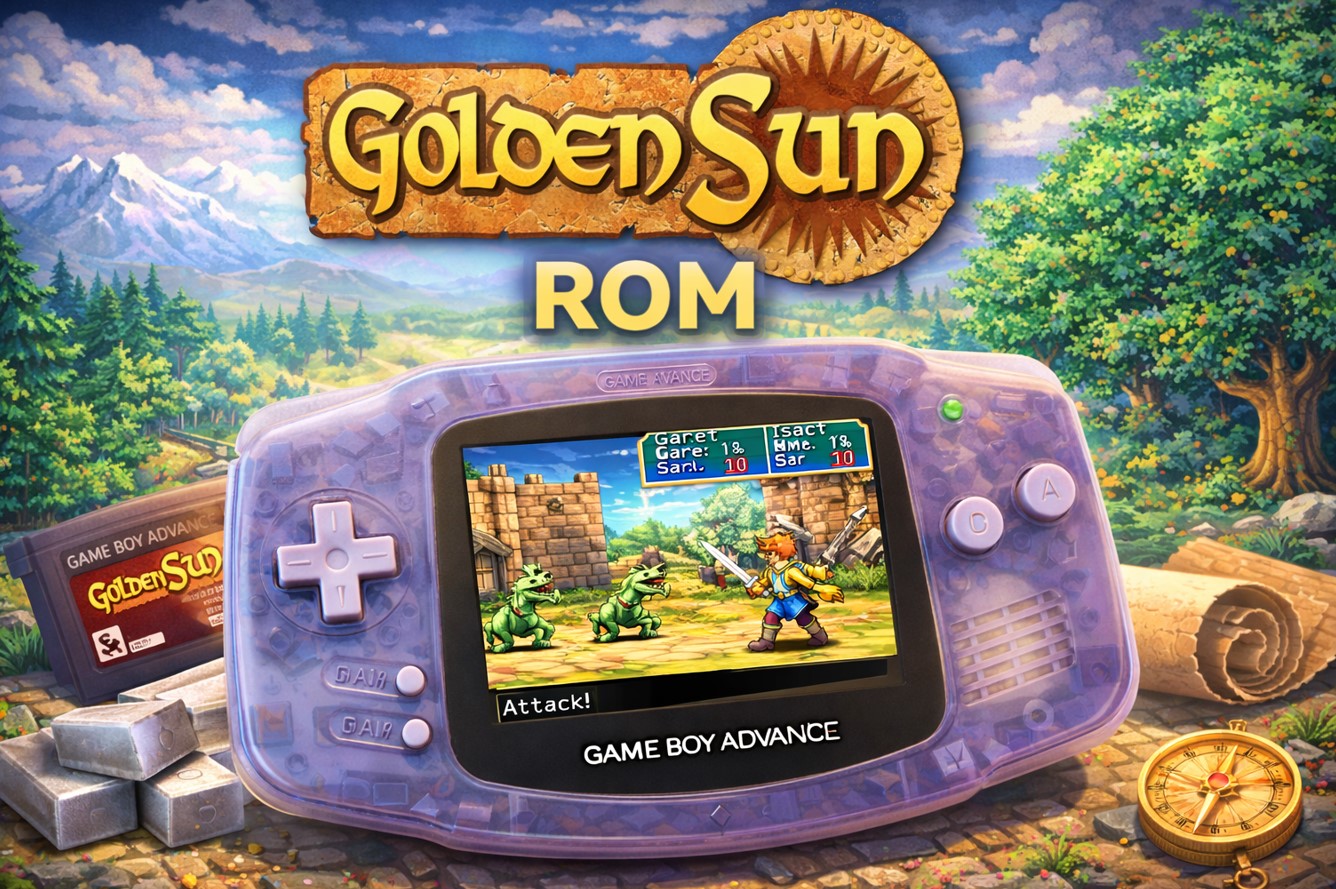
So you want to play Golden Sun again? Or maybe you missed it back in 2001, and you’re curious what all the fuss was about. Either way, you’re probably wondering how to get your hands on this Game Boy Advance masterpiece without dusting off your old handheld or spending ridiculous money on a cartridge. Here’s the thing – the Golden Sun ROM situation is complicated. But we’ll walk through it together.
Golden Sun holds a special place in gaming history. Developed by Camelot Software Planning and published by Nintendo, this turn-based RPG dropped on the GBA in 2001 and instantly became one of the system’s defining titles. The game follows a group of young magic users called Adepts as they attempt to prevent the release of Alchemy, a powerful force that once nearly destroyed their world.
What made Golden Sun stand out wasn’t just its epic story. The Djinn system lets you customize your party’s abilities in ways that felt genuinely innovative. The Psynergy puzzles integrated magic into exploration seamlessly. And those summon animations? They pushed the GBA hardware to its absolute limits.
But enough nostalgia. You came here for answers about ROMs.
The Legal Route: How Nintendo Wants You to Play
Let’s start with the officially sanctioned methods, yeah?
Nintendo offers Golden Sun through their online services, though availability changes depending on your region and which console you own. The Wii U Virtual Console had it for a while. The 3DS eShop also featured it before that service shut down in March 2023.
Currently, your best bet for legal access is tracking down a legitimate GBA cartridge. Prices vary wildly – anywhere from $30 to over $100 depending on condition and whether it includes the original box. Sites like eBay, Mercari, and retro game stores are your friends here.
There’s also the GBA SP or original Game Boy Advance route, though finding working hardware presents its own challenges. The Nintendo DS and DS Lite have backward compatibility with GBA games, which expands your options.
Now, technically speaking, creating a ROM from a game you legally own falls into a gray area. While you might assume backing up your own cartridge is fair use, Nintendo’s stance remains firm: they don’t authorize any form of ROM distribution or creation, even for personal backup purposes.
The Gray Area Nobody Talks About (Until Now)
Alright, let’s address the elephant in the room.
ROM sites exist. Lots of them. A quick search will turn up dozens of places claiming to host Golden Sun ROMs. Some are legitimate archives trying to preserve gaming history. Others are sketchy operations riddled with malware and fake download buttons.
The legal reality? Downloading ROMs of games you don’t own violates copyright law in most countries. Even if you owned the game previously, downloading a Golden Sun ROM copy isn’t technically legal – though enforcement varies wildly.
That said, many gamers argue there’s a moral distinction when dealing with games that aren’t readily available through official channels. Golden Sun isn’t currently sold new by Nintendo. The developers and publishers aren’t receiving revenue from secondhand cartridge sales. This creates what some call “abandonware” – though that term has no legal standing.
You know what? The gaming community has been having this debate for decades, and we’re not going to solve it here. What we can do is give you the facts so you can make your own informed decision.
If you go the ROM route, be careful. Use reputable sources. Check file sizes against known good dumps. And for the love of all that’s holy, run antivirus scans before opening anything you download.
Understanding ROM Files and Emulators
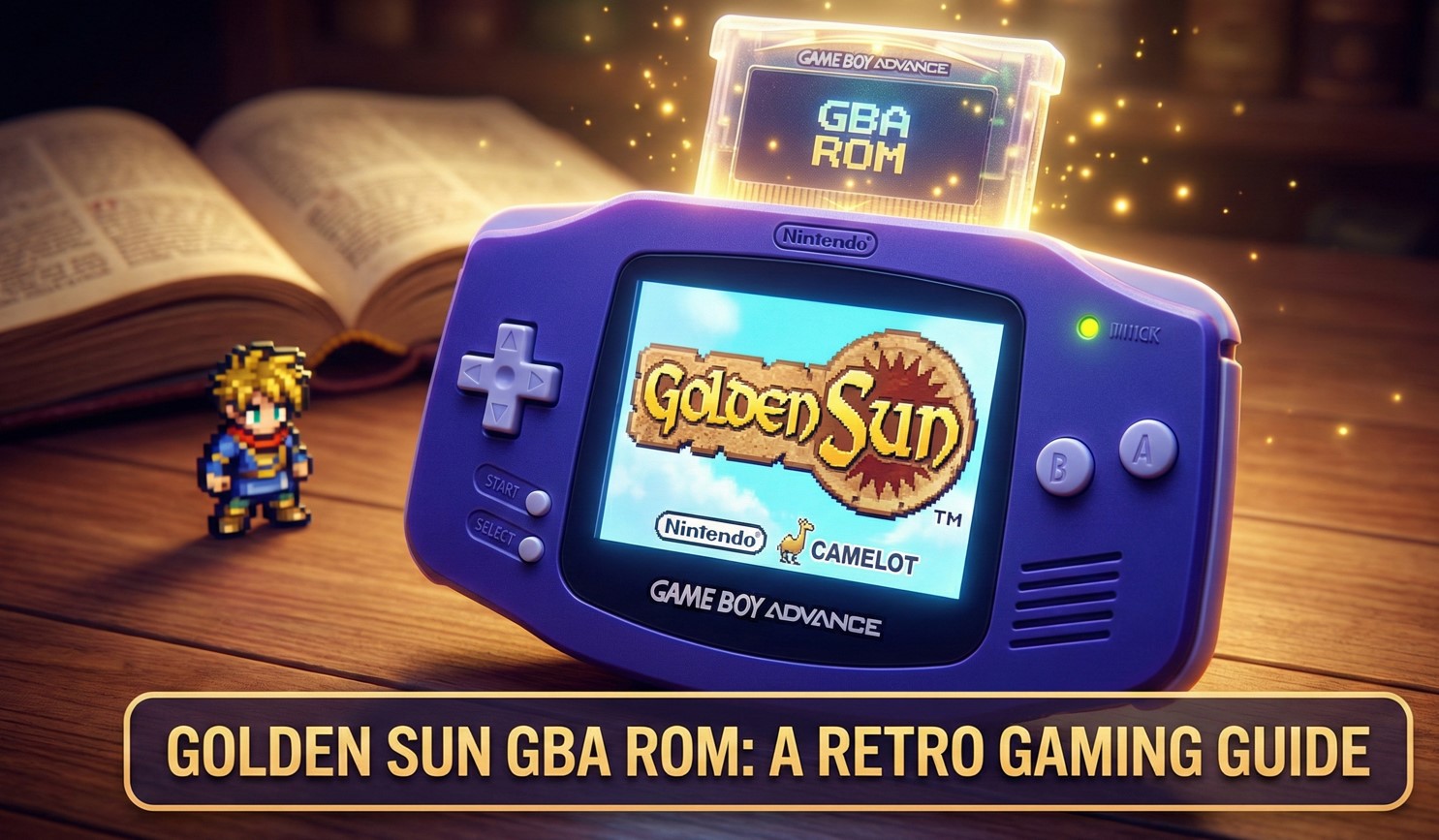
A ROM file is basically a digital copy of the game cartridge’s data. The file extension you’ll typically see for GBA games is .gba, though you might also encounter .zip or .7z compressed versions.
To actually play a Golden Sun ROM, you need an emulator – software that mimics the GBA hardware on your computer, phone, or other device.
Popular GBA Emulators:
- VisualBoy Advance – The old reliable choice, though development stopped years ago
- mGBA – Modern, accurate, and actively maintained; probably your best bet
- No$GBA – Originally a DS emulator but handles GBA games well
- Retroarch – Not an emulator itself but a frontend that can run multiple emulator cores, including several GBA options
Mobile users have options too. Android has My Boy! and Pizza Boy GBA. iOS users need to jump through more hoops due to Apple’s restrictions, but Delta and GBA4iOS work if you’re willing to sideload.
How to Actually Install the Thing?
Getting Golden Sun running isn’t rocket science, but let me walk you through it anyway.
For PC Emulation:
- Download your emulator of choice (mGBA recommended)
- Install the emulator – most are straightforward executables
- Obtain your ROM file (through whatever means you’ve decided on)
- Open the emulator and locate the “Load ROM” or “Open File” option
- Navigate to your Golden Sun ROM and select it
- The game should boot right up
Honestly, it’s simpler than most modern game installations. No Steam account required. No day-one patches. Just you and a 16MB file.
For Mobile:
The process is similar, though you’ll need to transfer the ROM file to your device first. Cloud storage services like Google Drive or Dropbox work well for this. Some emulators can even download directly from cloud storage.
One quirk: make sure your ROM file isn’t corrupted. A bad dump will cause crashes, graphical glitches, or prevent the game from booting entirely. If Golden Sun won’t start or behaves weirdly, try a different ROM source.
Optimizing Your Emulation Experience
Here’s where things get interesting. Emulators let you enhance games in ways the original hardware never could:
- Save states are a game-changer. Instead of relying on Golden Sun’s save points, you can create instant saves anywhere. Stuck on a tough boss? Save state before the fight and experiment with different strategies without consequence.
- Fast-forward speeds up grinding sessions. Golden Sun has some repetitive battles, especially if you’re trying to level up or farm items. Most emulators let you run the game at 2x, 4x, or even higher speeds.
- Graphics filters can smooth out the pixelated GBA graphics, though this is controversial among purists. Some folks prefer the authentic chunky pixels. Others like the softer, upscaled look. Try both and see what feels right.
- Controller support means you’re not stuck with keyboard controls. Xbox, PlayStation, and Switch controllers all work with most emulators. There’s something satisfying about playing a GBA game with a modern controller’s ergonomics.
Golden Sun ROM: What Makes It Worth Playing in 2026?
Let’s talk about why you’d bother with all this in the first place.
Golden Sun combined traditional JRPG elements with genuine innovation. The class system, powered by equipping different combinations of Djinn, created surprising depth. Your characters could shift between warrior, mage, and hybrid roles on the fly.
The Psynergy system integrated magic into puzzle-solving brilliantly. You’d use “Move” to shift objects, “Frost” to create ice pillars, and “Whirlwind” to clear obstacles. This made exploration feel dynamic rather than just walking from point A to point B.
Combat weighted it. Battles weren’t mindless button-mashing affairs. Enemy weaknesses mattered. Elemental affinities created strategic considerations. And those summon animations – yeah, they’re slow, but they’re gorgeous for GBA hardware.
The story holds up, too, mostly. It’s your classic “prevent ancient power from being unleashed” plot, but the characters have personality. Isaac, the silent protagonist, is surrounded by a cast that actually develops. Garet provides comic relief without being annoying. Jenna and Ivan bring their own motivations to the table.
Motoi Sakuraba’s soundtrack deserves special mention. The battle themes pulse with energy. The town melodies create atmosphere. And the boss music? Still gets the blood pumping.
Technical Achievements That Still Impress
The GBA had limitations. A 240×160 pixel screen. 32KB of memory. A 16.78 MHz processor that sounds laughable by modern standards.
Camelot made it sing anyway.
The pseudo-3D battle effects shouldn’t have been possible on that hardware. The summon animations filled the screen with particle effects and dramatic camera angles. The overworld map featured weather effects and parallax scrolling.
Look, modern games are technical marvels, sure. But there’s something special about seeing developers squeeze every drop of performance from limited hardware. Golden Sun represents peak GBA development – a team that understood the system inside and out.
Golden Sun vs Modern JRPGs
| Feature | Golden Sun (2001) | Modern JRPGs |
|---|---|---|
| Average Playtime | 25-30 hours | 40-100+ hours |
| Battle System | Turn-based with Djinn customization | Varies (action, tactical, turn-based) |
| Graphics | 2D sprites, pseudo-3D effects | Full 3D, high-resolution |
| Save System | Save points only | Autosave, quicksave, manual saves |
| Accessibility Options | None | Difficulty settings, assist modes |
| Voice Acting | Text-only | Full voice acting common |
| Price Point | $30-40 at launch | $60-70 standard |
GBA RPG Landscape (2001-2003)
| Game | Developer | Release Year | Notable Features |
|---|---|---|---|
| Golden Sun | Camelot | 2001 | Djinn system, Psynergy puzzles |
| Advance Wars | Intelligent Systems | 2001 | Tactical combat |
| Fire Emblem | Intelligent Systems | 2003 (US) | Permadeath, support conversations |
| Final Fantasy Tactics Advance | Square | 2003 | Job system, law cards |
| Pokémon Ruby/Sapphire | Game Freak | 2002 | Double battles, abilities |
The Sequel Situation
You can’t discuss Golden Sun without mentioning The Lost Age, the 2002 sequel that continued the story. It’s essentially the second half of one larger narrative.
The Lost Age is bigger in every way. More Djinn to collect. More Psynergy abilities. A boat that lets you explore the world freely. And it features a data transfer system – you could move your party and items from the first game into the sequel, which was mind-blowing for GBA games.
If you’re hunting down ROMs, you’ll want both games. Playing just one tells half the story.
There’s also Golden Sun: Dark Dawn, released for the Nintendo DS in 2010. It’s set 30 years after the original games and follows the children of the original heroes. Reception was… mixed. Some appreciated the updated graphics and refined gameplay. Others found the story lackluster and the pacing slow.
Why Golden Sun Never Got the Recognition It Deserved?
Here’s something that bugs me: Golden Sun should be mentioned alongside Final Fantasy, Dragon Quest, and Chrono Trigger in JRPG conversations. But it rarely is.
Part of this comes down to platform. The GBA was primarily viewed as a Nintendo and Pokémon machine. Third-party titles struggled for attention even when they were excellent. Golden Sun sold well – over 1.7 million copies worldwide – but it never achieved the cultural penetration of Sony’s PlayStation JRPGs.
Timing played a role, too. By 2001, the gaming conversation had shifted toward more cinematic experiences on PS2, Xbox, and GameCube. A handheld RPG, no matter how good, couldn’t compete with the hype around Final Fantasy X or Grand Theft Auto III.
And honestly? Nintendo didn’t push it hard enough. Compare the marketing budget and effort behind Golden Sun to what Square Enix throws at Final Fantasy. It’s not even close.
Modern Alternatives and Similar Games
If you’re craving that Golden Sun feeling but want something more recent, options exist.
Games with Similar Vibes:
- Octopath Traveler – Combines retro aesthetics with modern production values; turn-based combat with strategic depth
- Bravely Default – Another handheld JRPG that plays with turn-based conventions; job system provides customization
- Child of Light – Smaller scale but captures that sense of wonder; turn-based combat with timing elements
- Persona 5 – Different tone but similar polish; turn-based battles with elemental weaknesses
- Dragon Quest XI – Traditional JRPG that doesn’t apologize for being one; massive scope but familiar comfort
None of these are Golden Sun clones, but they scratch similar itches. That feeling of exploration, character progression, and strategic combat.
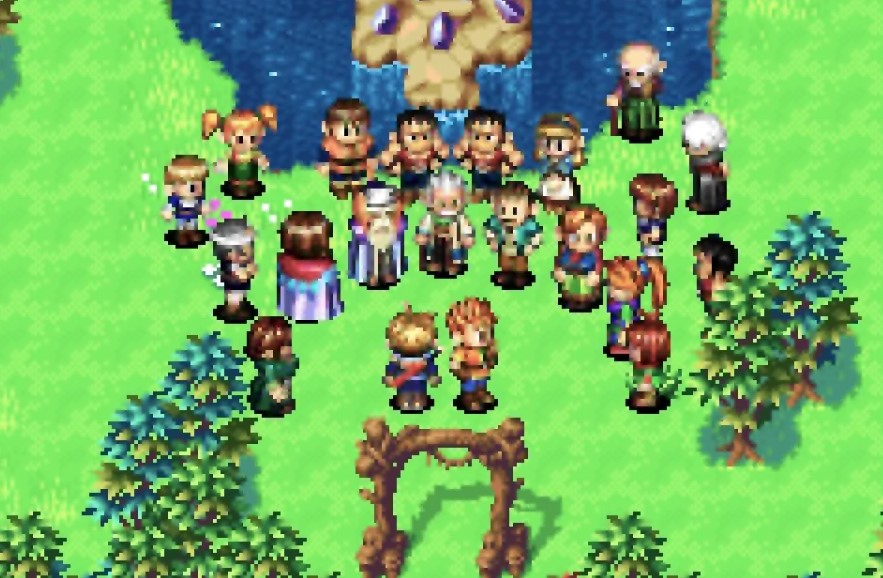
The Preservation Question of Golden Sun ROM
Let’s get philosophical for a second.
Gaming history is fragile. Companies shut down. Hardware fails. Services get discontinued. The 3DS eShop closure erased hundreds of games from legitimate purchase.
ROMs exist in this weird space where they’re technically illegal but practically necessary for preservation. When Nintendo stopped selling Golden Sun officially, what happened to the game? Does it just… disappear?
Organizations like the Video Game History Foundation argue that we need legal frameworks allowing libraries and archives to preserve games. The current copyright law wasn’t written with digital preservation in mind.
This doesn’t give you permission to pirate everything, obviously. But it’s worth considering whether downloading a 23-year-old game that isn’t being sold anymore carries the same ethical weight as pirating a brand-new release.
The counterargument? Nintendo could re-release Golden Sun anytime they want. Downloading ROMs potentially hurts the market for future official releases. It’s complicated, and reasonable people disagree.
Setting Up for the Best Experience
Assuming you’ve obtained Golden Sun ROM through whatever means you chose, let’s make sure you have the optimal setup.
Recommended Emulator Settings:
- Video: Original resolution or 2x scale; avoid filters unless you prefer softened graphics
- Audio: Default settings usually work fine; some emulators have audio enhancement options
- Controls: Map buttons to match the original GBA layout; A, B, Start, Select, L, R
- Save: Enable both in-game saves and save states; backup your save files regularly
Cloud storage sync is your friend here. Nothing worse than losing a 20-hour save file because your phone died or your computer crashed. Most emulators support syncing save files to Google Drive, Dropbox, or similar services.
Controller Configuration Tips
The default keyboard mapping on PC emulators usually feels awkward. Arrow keys for movement, Z and X for A and B – it works, but it’s not comfortable for extended sessions.
If you’re using a controller, think about button placement. The GBA’s A and B buttons feel natural mapped to the Xbox/PlayStation equivalents. L and R shoulder buttons are obvious. But where do you put Start and Select? Some folks like the Menu and View buttons. Others prefer face button combinations.
Experiment until it feels right. You’ll be pressing these buttons thousands of times.
Troubleshooting Common Issues
- The game won’t load. Check your ROM file size. Golden Sun should be around 16MB (16,777,216 bytes exactly). Significantly different sizes suggest a bad dump or corrupted download. Try a different source.
- Graphical glitches. Usually an emulator accuracy issue. mGBA handles Golden Sun well, but older emulators like VisualBoy Advance sometimes struggle with specific effects. Switching emulators often fixes this.
- Audio crackling. Lower your emulator’s sound quality settings or adjust the buffer size. This is often a performance issue – your device is struggling to keep up.
- Save files won’t load. Make sure you’re using the right save file format for your emulator. Some emulators use .sav files, others use .sgm. They’re not always interchangeable.
- Crashes during summon animations. This is rare but happens on some Android devices. Usually related to graphics acceleration settings. Try toggling hardware acceleration on or off.
FAQ
Is downloading Golden Sun ROM illegal?
Technically, yes, in most countries. Downloading copyrighted material without permission violates copyright law, regardless of whether the game is currently sold. Enforcement is rare for older games, but that doesn’t make it legal.
Can I play Golden Sun on my iPhone?
Yes, but it requires sideloading an emulator like Delta or GBA4iOS since Apple doesn’t allow emulators in the App Store. The process involves using AltStore or similar tools and varies depending on iOS version.
Do I need both Golden Sun and The Lost Age?
Not technically, but you’ll get the full story only by playing both. The Lost Age continues directly from the first game’s ending and includes a password/link system to transfer your progress.
Will my save files transfer between emulators?
Sometimes. Save file formats aren’t standardized across emulators. You might need to use conversion tools to move saves from VisualBoy Advance to mGBA, for example.
How long does Golden Sun take to beat?
Most players finish the main story in 25-30 hours. Completionists hunting all Djinn and optional content might push 35-40 hours.
Can I use cheats or action replay codes?
Most emulators support cheat codes, though you’ll need to find the specific codes for Golden Sun. They’re widely available online. Just know that some codes can corrupt save files.
Is there a Golden Sun remake or remaster?
Not as of 2026. Nintendo occasionally files trademarks related to Golden Sun, sparking speculation, but nothing official has been announced. The original games remain the only way to experience the story.
Wrapping This Up
Golden Sun deserves your time. Whether you acquire it legally through secondhand cartridges or through the ROM gray area is your call. The important thing is that this game doesn’t fade into obscurity.
Camelot created something special in 2001 – a handheld RPG that punched above its weight class and delivered an experience that still holds up today. The Djinn system, the Psynergy puzzles, the summon animations, the soundtrack – all of it combines into something greater than its parts.
If you’ve never played Golden Sun ROM on Game Boy Advance, you’re in for a treat. And if you’re returning after years away? You’ll probably be surprised how well it’s aged.
Just remember to backup your save files. And maybe don’t mention to Nintendo where you got your copy.