

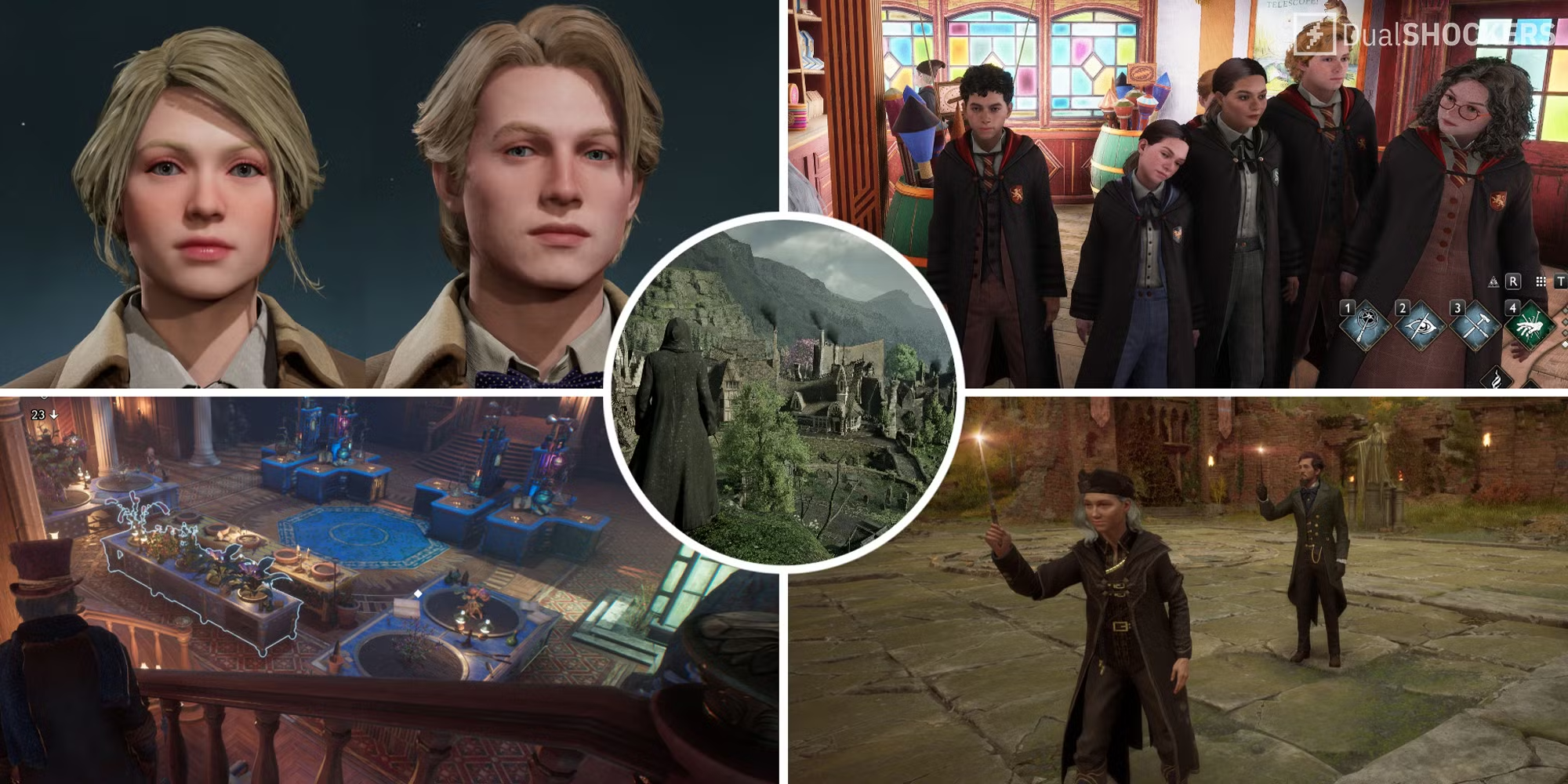
Popular Hogwarts Legacy Mods Players Swear By
Let’s start with the ones most people can’t play without. These are the community favorites – the mods that fix what the devs missed or simply make exploring more fun.
| Mod | What It Does | Why People Love It |
|---|---|---|
| Ultra Plus Graphics Pack | Sharpens textures, improves lighting, and adds cinematic reflections. | Everything looks like a movie scene, even Hogsmeade at night. |
| Faster Broom Flight | Removes the artificial speed limit on brooms. | Finally, you can fly like a maniac instead of a student following rules. |
| Dark Arts Overhaul | Adds new spell visuals and blackened robes. | Makes dark magic actually feel dark – and a bit terrifying. |
| Immersive HUD | Clears most UI clutter for cleaner exploration. | Perfect for players who just want to get lost in the world. |
| Playable Auror Gear | Unlocks custom uniforms and dueling spell animations. | Makes you feel like part of the Ministry, not just a student. |
Most of these mods are easy to install and work great together. They make small but noticeable changes – the kind that make you forget what the original looked like. Once you’ve seen the castle bathed in new lighting or felt the speed of an unshackled broom, there’s no going back.
Hogwarts Legacy Mods That Actually Fix Things
Now let’s talk about the practical stuff. As much as we love Hogwarts, it’s not a perfect game. Stiff camera controls, too many splash screens, random stutters – yeah, it happens. Thankfully, modders have patched up half the castle already.
Some Hogwarts Legacy mods focus entirely on quality of life. They don’t change how the game looks, just how it feels. Suddenly, menus move faster, saving works properly, and the camera no longer feels like it’s dipped in honey.
| Mod | What It Fixes | Why It Matters |
|---|---|---|
| Unlocked Field of View | Lets you widen your camera angle. | Fewer blind spots, better spell control in combat. |
| Skip Intro Logos | Removes all startup logos and splash screens. | You jump straight into the game in seconds. |
| Better Performance Presets | Adds tuned settings for mid-range PCs. | Smoother frame rates without sacrificing detail. |
| Mouse Smoothing Fix | Reduces lag during camera movement. | Spell aiming finally feels accurate and snappy. |
| Auto-Save Enhancer | Increases save frequency and reliability. | Prevents progress loss after a crash or glitch. |
It’s wild that players fix this stuff before official patches do. But that’s what makes the modding community so good – they don’t wait, they just fix things themselves.
Visual and Character Mods in Hogwarts Legacy
Visual mods are where things get creative. Want endless autumn at Hogwarts? Or a snowy castle straight from a postcard? Done. Some mods even change the color tone of candles or how fog rolls over the bridge. It’s small stuff that somehow makes the whole world feel different.
Character mods take that creativity even further. You can now customize robes, hairstyles, and faces far beyond the base options. There are mods that import famous characters from other games or even movies. One player turned their character into Geralt from The Witcher, complete with silver hair and attitude. Another used a Star Wars mod to swap wands for lightsabers – ridiculous, but awesome.
Installing Mods Without Breaking the Game
Installing mods sounds scary at first, but it’s actually simple once you’ve done it. Use a tool like Vortex or Mod Engine 2 – both are free. Drop your downloaded mods into the right folder and turn them on through the manager. If two mods touch the same files, just read the comments to see if someone found a fix.
Always back up your saves. Seriously, that’s rule number one. One wrong mod can crash your game or make your character invisible (and not in the cool, magic way). Stick to sites like Nexus Mods or ModDB, and avoid anything that looks shady or promises “infinite XP.” Those usually end badly.
The Community Keeps Hogwarts Alive
That’s the real magic here. The community’s not just adding mods – they’re expanding the world. Every few weeks there’s something new: a broom that leaves glowing trails, new dialogue lines, even experimental side quests. It’s not official DLC, but it might as well be.
And that’s the best part – everyone plays their own version of Hogwarts Legacy now. Some go dark, some go cinematic, some just fix the small annoyances. But in every case, Hogwarts Legacy mods make it personal. It’s your castle, your story, and your kind of magic.
Final Thoughts
The modding community basically turned Hogwarts Legacy into a living project. The developers built the foundation, but players filled in the soul. Whether you want better visuals, smoother gameplay, or a totally new vibe – there’s a mod for it.
So yeah, the next time you fly over the castle and notice the sunset looks different or your wand sparks just a little brighter, remember: that’s not the devs. That’s fans who love this game enough to make it even better.