

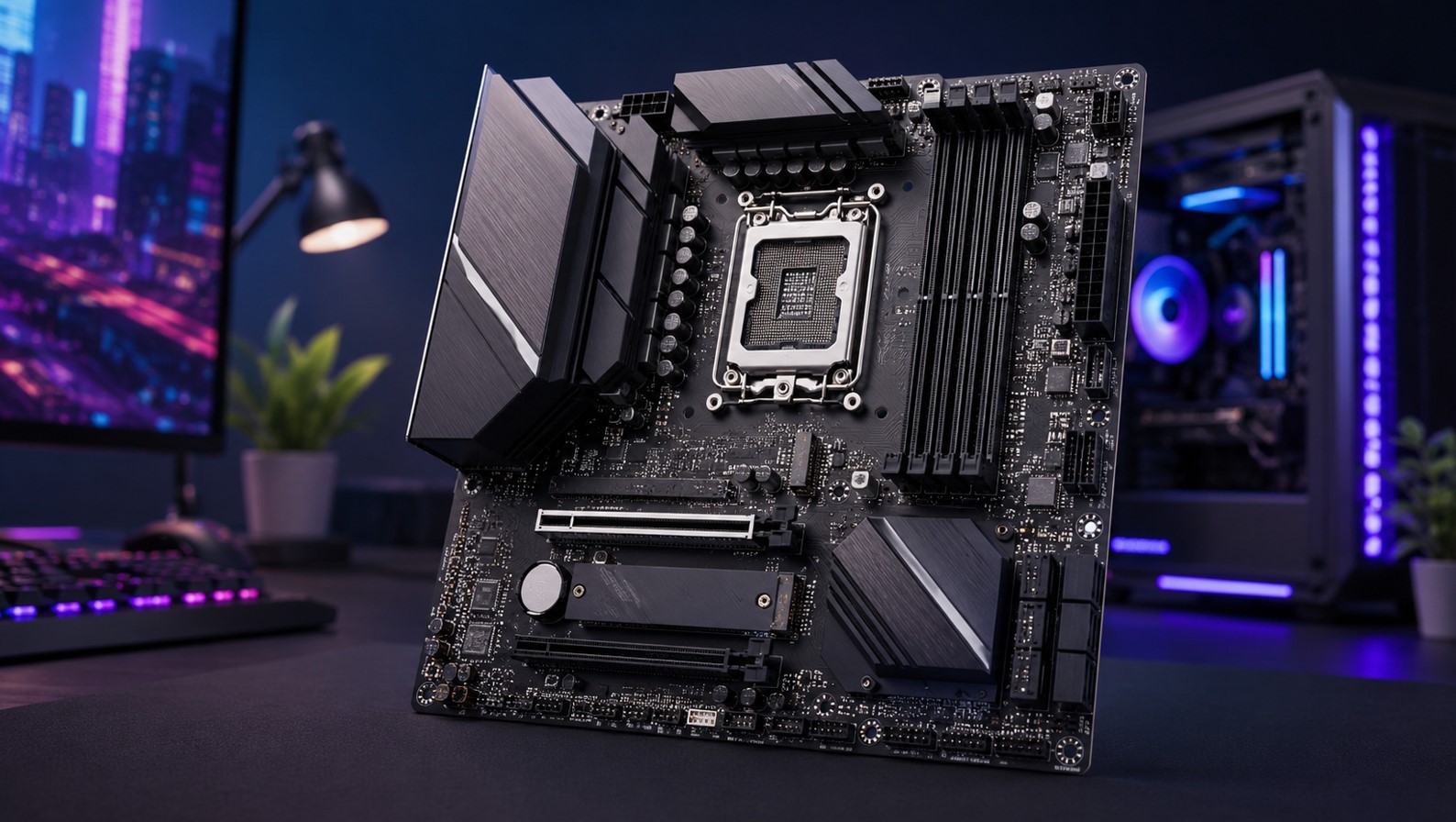
Choosing the Best Budget AM5 Motherboard for Gaming Without the Headache
So you’ve decided to build an AM5 rig. Smart move. AMD’s socket has legs, and pairing a Ryzen chip with the right board sets you up for years. But then you hit the motherboard aisle and – yikes. Prices swing from $110 to over $600, spec sheets read like alphabet soup, and everyone on Reddit has a different “must-buy.” Take a breath. Picking the best budget AM5 motherboard for gaming isn’t as scary as it looks once you know what actually matters.
Here’s the honest truth most upsell articles won’t tell you. For gaming, a mid-tier board and a $500 flagship perform basically identically. Your GPU and CPU do the heavy lifting. The motherboard’s job is to power them cleanly, connect your stuff, and stay stable. That’s it. So let me walk you through what to look for and which boards the community actually trusts in 2026.
No hype, no filler. Just the boards worth your cash.
What Actually Matters in a Budget Gaming Board?
Before we get to specific picks, let’s talk about what you’re really paying for. Because knowing this saves you from overspending on features you’ll never touch.
First up, VRMs – the voltage regulation modules. This is the single most important thing on a budget board. VRMs feed clean power to your CPU, and weak ones cause throttling or instability under load. The good news? Even affordable B650 boards now pack 10 to 14 power stages, which is plenty for anything from a Ryzen 5 to a Ryzen 9. Overkill isn’t necessary here.
Next, the chipset. On AM5 you’ve got a few options, and the differences matter for your wallet:
- B650 – the mainstream sweet spot, dedicated PCIe 4.0 lanes for GPU and storage, tons of value.
- B650E – adds PCIe 5.0 for graphics and storage, though the real-world gaming benefit is currently minimal.
- B850 – the newer replacement for B650, often with more PCIe 5.0 and better connectivity.
- A620 – the absolute cheapest tier, fine for basic builds but limited on VRMs and overclocking.
Then there’s the stuff that’s nice but not essential: Wi-Fi, extra M.2 slots, USB4, fancy RGB. These bump the price without touching your frame rate. Decide what you actually need.
One more thing worth knowing. AMD has committed to supporting the AM5 socket through at least 2027, so whatever board you grab now will likely handle future CPU upgrades. That’s a big deal for a budget builder – you’re not buying into a dead end.
The Best Budget AM5 Motherboard for Gaming Right Now
Alright, let’s get to the good stuff. Based on extensive testing from outlets like Tom’s Hardware and community consensus across Reddit and Steam forums, a few boards consistently rise to the top. Here’s the shortlist.
The MSI MAG B650 Tomahawk WiFi is the one that comes up again and again as the best all-rounder. Reviewers have called it the best B650 board for most users in 2026, thanks to its exceptional VRM design, comprehensive connectivity, and strong value at under $190. It handles everything from a budget Ryzen 5 to a beefy Ryzen 9 9950X3D without breaking a sweat. If you want one board that just works and won’t hold back any CPU, this is the safe, smart pick. It’s the community’s darling for good reason.
But “best” and “budget” aren’t always the same thing. So let’s talk cheaper.
The Gigabyte B650 Aorus Elite AX is a fantastic mid-budget option that’s dropped to around $150. You get three M.2 sockets (one PCIe 5.0), four SATA ports, 12 USB ports including a 20Gbps Type-C, 2.5 GbE networking, integrated Wi-Fi 6E, and VRMs capable of handling any compatible processor even with overclocking. One reviewer spent 30 days testing it with a Ryzen 7 7800X3D and praised its rock-solid stability. The white “Ice” version is a looker too, if aesthetics matter to you.
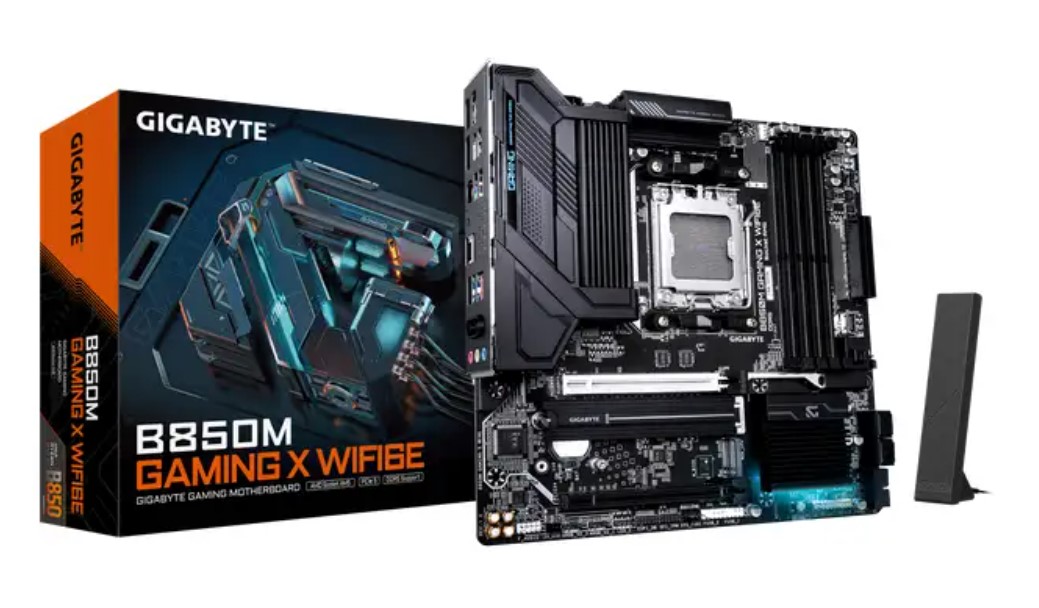
For those really watching every dollar, the Gigabyte B650M Gaming Plus WiFi dips to around $110 in micro-ATX form. And if you want to go even leaner, the ASRock B650M-HDV/M.2 has long been the go-to absolute-minimum AM5 entry point, hovering around the $125 mark. These strip out the frills but keep the essentials, making them perfect for a no-nonsense gaming build.
B650 vs B850: Which Should a Budget Builder Grab?
Here’s a question flooding the forums right now. AMD introduced the B850 chipset as the official replacement for B650, and B650 production actually wound down in mid-2025. So does that mean B650 is obsolete? Not at all.
Let me explain, because this trips a lot of people up.
B650 boards are still widely available and offer some of the best value in the whole AM5 lineup. Since B650 supports every AM5 processor – Ryzen 7000, 8000G APUs, and 9000 series (the last one just needs a BIOS update) – you’re not missing out on CPU compatibility. For pure gaming, a good B650 board will serve you just as well as a pricier B850 one.
That said, B850 has its appeal. The MSI MAG B850 Tomahawk MAX WiFi is a standout, offering two PCIe 5.0 M.2 sockets, 5 GbE networking, Wi-Fi 7, and multiple USB Type-C ports. It’s regularly found around $190 to $227, and it’s been spotted on sale for $189.99 during promo events.
If you want the newest connectivity and plan to keep the board for many years, the small premium over B650 can be worth it.
| Board | Chipset | Rough Price | Best For |
|---|---|---|---|
| MSI MAG B650 Tomahawk WiFi | B650 | ~$180-190 | Best all-round value, any CPU |
| Gigabyte B650 Aorus Elite AX | B650 | ~$150 | Feature-packed mid-budget pick |
| Gigabyte B650M Gaming Plus WiFi | B650 | ~$110 | Cheapest solid micro-ATX option |
| MSI MAG B850 Tomahawk MAX WiFi | B850 | ~$190-227 | Newest connectivity, longevity |
| ASRock B650M-HDV/M.2 | B650 | ~$125 | Absolute minimum entry point |
My take? For most gamers, a well-reviewed B650 board like the Tomahawk or Aorus Elite hits the sweet spot. Only step up to B850 if you specifically want Wi-Fi 7, more PCIe 5.0, or plan to hold onto the board deep into the future.
What Does the Community Actually Recommend?
Spec sheets are one thing. Real-world builder experience is another. So what do people on Reddit’s r/buildapc and the Steam hardware forums actually say?
The consensus is refreshingly practical. When someone asks for the best budget AM5 board to pair with a popular gaming chip like the 7800X3D, the recurring answers are the MSI B650 Gaming Plus WiFi and the MSI Tomahawk for those with a little more to spend. Both get praised as “decent enough and not too expensive,” which is exactly what a budget builder wants to hear.
Community members tend to stress a few practical points that reviews sometimes gloss over:
- Update your BIOS before installing a Ryzen 9000 chip on an older B650 board – this is critical and catches people off guard.
- Don’t overpay for a board to match a mid-range CPU – a $110 to $150 board is plenty for a 6- or 8-core gaming chip.
- Match the board to your actual CPU – save the premium VRM boards for high-end Ryzen 9 chips, not a Ryzen 5.
- Check your specific use case – if you need lots of RAM headroom or a future 8-core upgrade, boards like the MSI PRO B650M-A WiFi or Gigabyte B650M D3HP are worth a look.
One thing forum veterans repeat: the enthusiast-tier budget pick for max tuning tends to be a board with the premium Realtek ALC4080 audio codec and stronger VRMs, but if you’re a pure budget buyer, the cheaper ASUS and ASRock boards will serve you just fine. The point is to buy for your needs, not the fanciest option.
There’s real wisdom in that. The community’s collective experience beats any single spec sheet.
Common Mistakes Budget Builders Make
Let me save you some pain here, because these traps are easy to fall into. And nobody wants to redo a build.
The biggest one? Overspending on the motherboard and skimping elsewhere. Every dollar you pour into a flashy $300 board is a dollar not going into your GPU, which actually determines your frame rate. For gaming, a $150 board plus a better graphics card beats a $300 board plus a weaker GPU every single time.
Another classic mistake is ignoring the BIOS update requirement. If you buy an older B650 board to save money and pair it with a shiny new Ryzen 9000 CPU, you must update the BIOS first or the system may not even POST. Many boards have a BIOS Flashback feature that lets you update without a CPU installed – check for that if you’re mixing new chips with older boards.
People also get seduced by PCIe 5.0. Yes, it sounds futuristic. But right now, the real-world gaming benefit of PCIe 5.0 storage and graphics is minimal. Don’t pay a big premium chasing it unless you have a specific professional need. Your games won’t run noticeably faster.
And finally, watch out for form factor mismatches. A micro-ATX board like the Gigabyte B650M Gaming Plus is great and cheap, but make sure it fits your case and has enough slots for your plans. Measure twice, buy once.
Matching Your Board to Your CPU
Quick practical guide, because the right pairing depends on your chip. This is where a lot of the confusion melts away:
- If you’re running an entry-level AM5 CPU like the Ryzen 5 7500F or 9600X, you genuinely don’t need much. A basic B650 board like the ASRock B650M-HDV/M.2 or a budget ASUS board handles these six-core chips perfectly. Save your money for the GPU.
- If you’ve got a popular gaming CPU like the Ryzen 7 7800X3D or 9800X3D, step up slightly to something like the Gigabyte B650 Aorus Elite AX or MSI B650 Gaming Plus WiFi. These give you solid VRMs and stability without overpaying. This is the sweet spot for most gaming builds.
- And if you’re pushing a high-end Ryzen 9 like the 9950X or 9950X3D, that’s when the MSI MAG B650 Tomahawk WiFi earns its keep with its robust VRM and improved storage. Even then, you’re not looking at the most expensive board – just a well-built one.
See the pattern? Match the board’s strength to your CPU’s demands, and you’ll never waste money. Simple as that.
FAQ
What’s the best budget AM5 motherboard for gaming overall?
The MSI MAG B650 Tomahawk WiFi is the widely recommended all-rounder at under $190, with excellent VRMs that handle any AM5 CPU.
Is B650 still worth buying in 2026?
Yes. Despite B850 being the newer chipset, B650 boards remain great value and support all AM5 CPUs, including Ryzen 9000 with a BIOS update.
Do I need an expensive motherboard for gaming?
No. For gaming, a mid-tier board performs the same as a flagship. Your GPU and CPU determine frame rates, so put your money there.
What’s the cheapest solid AM5 board?
The ASRock B650M-HDV/M.2 around $125 and the Gigabyte B650M Gaming Plus WiFi around $110 are reliable minimum-cost entry points.
Do I need to update the BIOS for a Ryzen 9000 CPU?
On older B650 boards, yes. Update the BIOS before installing a Ryzen 9000 chip, ideally using a BIOS Flashback feature if available.
Is PCIe 5.0 worth paying extra for?
For gaming, not really. The real-world benefit of PCIe 5.0 storage and graphics is currently minimal, so don’t chase it on a budget.
How long will an AM5 motherboard last?
AMD has committed to AM5 socket support through at least 2027, so a board bought now should support future CPU upgrades for years.
Wrapping It Up
So there’s your no-nonsense guide to the best budget AM5 motherboard for gaming in 2026. The headline takeaway? You don’t need to spend big. A well-built B650 board in the $110 to $190 range gives you everything a gaming rig needs – clean power, solid connectivity, and rock-solid stability.
My honest advice? Grab the MSI MAG B650 Tomahawk WiFi if you want the safe, do-everything pick. Drop to the Gigabyte B650 Aorus Elite AX or a budget micro-ATX board if you’re tightening the belt. Step up to a B850 board only if Wi-Fi 7 and future-proofing genuinely matter to you. And whatever you pick, remember to update that BIOS if you’re running a newer chip.
Put the savings toward your graphics card. That’s where your frames come from. Build smart, and enjoy that AM5 rig – it’s a platform that’ll serve you well for years to come. Now go put those parts together.
P.S. If this guide helped you plan your build, please support us by sharing the post across your social media and adding it to your bookmarks so it’s easy to find later. Every share genuinely helps our team keep guides like this coming. And if you’re seeking creative or commercial collaboration, feel free to write to the T-Minus team directly – we’d love to hear from you.